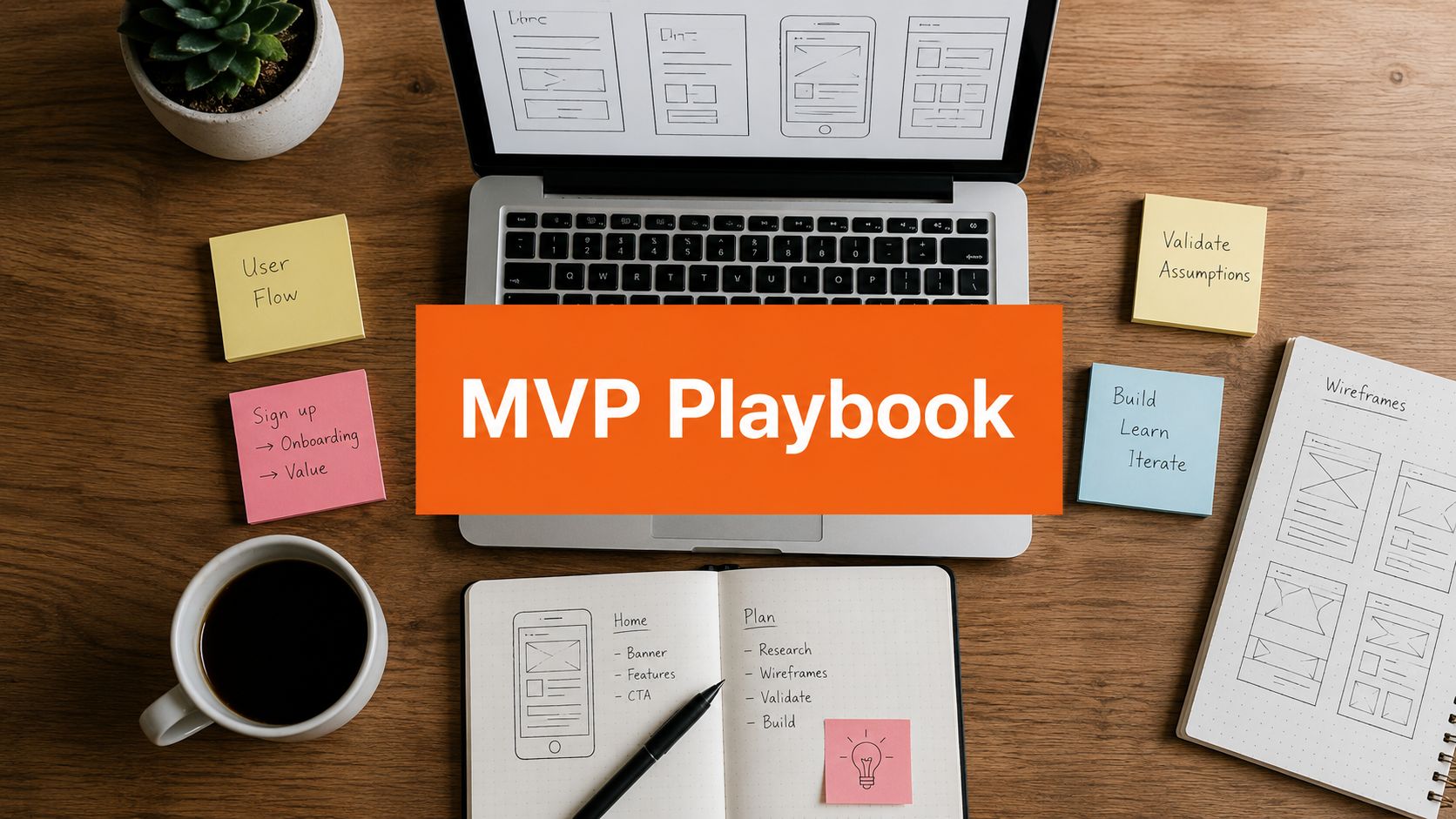
You have three browser tabs open, a Notion page called “MVP Roadmap,” and a blank Figma file waiting for attention. You're tempted to fill them with features, screens, and technical decisions before a real customer has described the problem in their own words. That instinct feels productive. It's often how founders spend months building a product nobody needs.
The MVP development process should reduce uncertainty before it increases code. You'll move from problem validation to proof of demand, feature cuts, a narrow build, behavior metrics, repeated learning loops, and a 90-day decision. The question isn't, “How quickly can I build this?” It's, “What's the cheapest test that can tell me whether building is justified?”
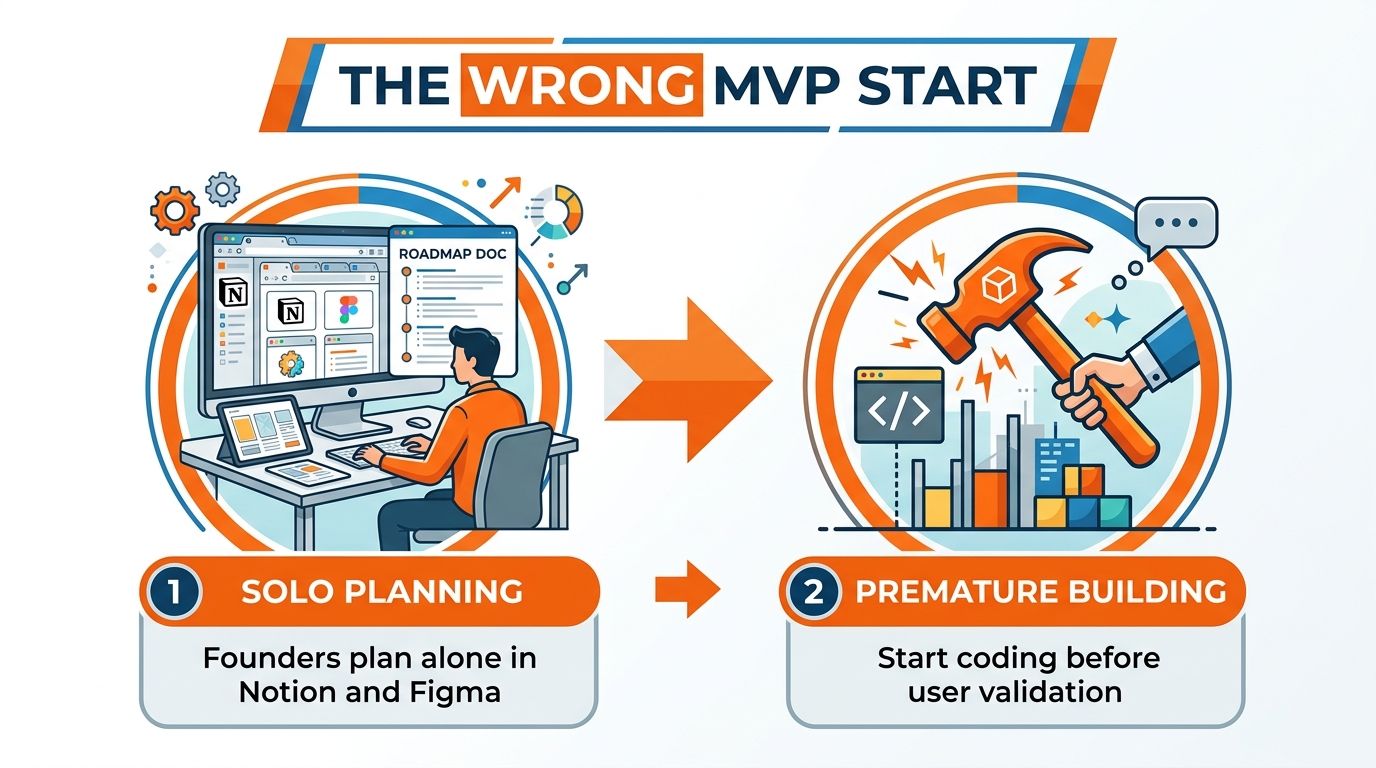
Starting Your MVP the Way Most Founders Get Wrong
Most founders begin with a roadmap because a roadmap feels like progress. You can name the product, list features, sketch screens, and choose a technology stack without facing the harder question: will anyone change their behavior for this?
The “build it and they'll come” reflex is expensive because code hides weak assumptions. Once you've invested time in authentication, dashboards, integrations, and visual polish, you'll defend those decisions. You'll search for users who confirm the idea instead of testing whether the problem deserves a product.
Frank Robinson introduced the MVP concept in 2001. Steve Blank expanded it through Customer Development in 2005, and Eric Ries popularized it globally in 2011 through The Lean Startup. Ries defined an MVP as the version of a new product that lets a team collect the maximum validated learning about customers with the least effort. You can read the history in this account of the MVP's development.
Follow the learning sequence
Use this order:
- Validate the problem. Find people who already experience the pain.
- Test demand. Ask for behavior, contact details, time, or money.
- Define one risky assumption. Decide what could still destroy the idea.
- Cut the feature list. Keep only the actions needed to test that assumption.
- Build the smallest useful slice. Use manual work or no-code when they answer the question faster.
- Measure behavior. Track activation, return use, and payment.
- Run the loop for 90 days. Improve, change direction, or stop.
Your timeline should measure weeks of learning, not months of engineering. For a broader practical reference, use this master MVP development guide for 2026 alongside your own interview notes and experiment results.
How Much Proof You Need Before You Build Anything
You don't need certainty before coding. You need enough evidence to stop guessing.
Start with five to eight structured customer interviews. Don't pitch your solution first. Ask what happened the last time they faced the problem, how they handled it, what they paid for, and what they still find frustrating. Look for repeated behavior and unprompted urgency. “That sounds interesting” means little. “When can I use it?” signals demand.
Then run a simple landing-page test. Describe one outcome, add a waitlist or pre-order action, and send targeted traffic through a channel your customers already use. A waitlist conversion above 8 percent is a useful editorial threshold for deciding whether the message deserves more testing, though you should judge the result against traffic quality and the promise on the page.
A concierge MVP can produce stronger evidence. You deliver the result manually through email, Notion, spreadsheets, or calls while the customer experiences the intended value. If customers keep returning and accept a paid pilot, you've learned more than a survey can tell you.
| Validation Method | Time Required | Minimum Proof Threshold |
|---|---|---|
| Customer interviews | A focused interview sprint | Five to eight conversations, with at least three unprompted “when can I use this?” signals |
| Landing page and waitlist | A short test cycle | Waitlist conversion above 8 percent, measured with the source guidance on MVP strategy |
| Concierge delivery | A small manual pilot | At least five pre-commitments to pay |
| Smoke test or fake door | A narrow experiment | Repeated action after a clear explanation, with transparent messaging and no deceptive charge |
| Survey | Fast, but weak alone | Use only as context, never as your main proof |
Friends are a poor substitute for evidence. They want to encourage you, and they usually don't face the same buying decision as your target customer. Before using a fake door, review these fake door testing pitfalls to avoid, especially around user trust and clear disclosure.
Use this business idea validation guide to organize your interview script, landing page, and decision criteria. I'd open an editor only after I had three unsolicited urgency signals, a promising waitlist response, and five people willing to pre-commit financially. Those thresholds won't prove the business works. They'll give every later build decision a better foundation.
Cutting Features Down to What Actually Matters
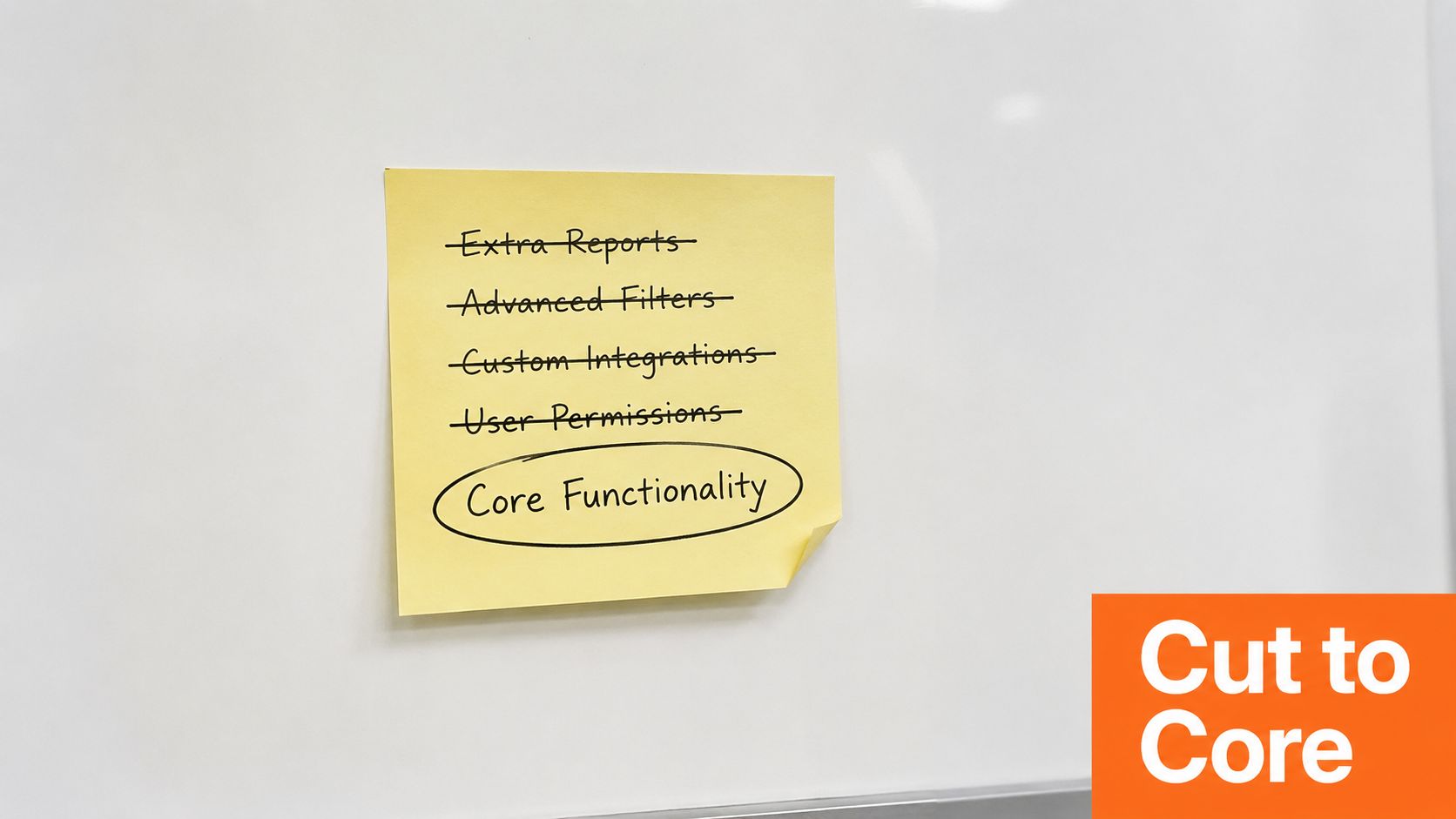
A feature belongs in the MVP only if removing it would change the user's decision to keep using the product. That rule cuts through founder bias faster than a long prioritization meeting.
Take a fictional task-management product for overloaded agency owners. The original wishlist has task creation, recurring tasks, team comments, file uploads, calendar sync, templates, reminders, time tracking, client portals, reporting, mobile apps, permissions, integrations, search, and AI summaries.
That list describes a company. It doesn't describe a test.
Use one job to make the cut
Suppose the hypothesis says agency owners need a faster way to see which client tasks are at risk. The first version may need:
- Must Have: Create a task, assign an owner, set a due date, and view overdue work.
- Should Have: Email reminders and a basic client label.
- Could Have: Templates, comments, and calendar sync.
- Won't Have for now: Mobile apps, AI summaries, reporting, and third-party integrations.
The Must Have group tests the core behavior. The rest can wait until users ask for it through repeated use or payment. MoSCoW works because it gives every feature a visible place, including the features you refuse to build.
Scope rule: If a feature doesn't help the user reach the promised outcome, remove it from version one.
Run a 30-minute feature scrub before a sprint starts. Print the list, give each item a short defense, and force a tie-breaker vote when two ideas compete. Don't reopen the list during the build unless new evidence changes the original assumption. For a more detailed framework, use this feature prioritization resource.
A narrow feature set also protects your learning. Data from an industry benchmark reports that core-value MVPs with 8 or fewer features reached product-market fit within 12 months at 34 percent and remained operating at 24 months at 61 percent, compared with 12 percent and 31 percent for launches with 25 or more features (benchmark details).
Here's a short visual guide to making the cut:
Building the Smallest Thing That Can Teach You Something
Choose the build path by asking one question: which risky assumption can this option test fastest? A polished React app may look credible while answering the wrong question. A manual service may look crude while producing real payment and retention evidence.
| Build Option | Time to Ship | Learning Value | Maintenance Cost |
|---|---|---|---|
| Concierge MVP | A short manual delivery cycle | High for problem, workflow, and payment learning | Low at first, but labor grows with demand |
| Webflow or Glide no-code MVP | A short product build | High when the workflow matters more than custom technology | Low to moderate, depending on integrations |
| Thin AI-built slice | A focused experiment | Useful for testing an AI-assisted workflow | Moderate, with review and reliability work |
| Focused React prototype | A narrow coded build | High when interaction, performance, or custom logic matters | Moderate to high |
| Manual tools with Airtable, Zapier, or Notion | A quick assembled test | Strong for process and demand validation | Low, though the workflow can become fragile |
A concierge MVP works well when you need to learn what customers request. You can perform the service by hand, record every exception, and automate only the steps customers repeat. No-code tools like Webflow and Glide make sense when users need to touch a working flow and your product doesn't depend on unusual technical behavior.
AI can shrink a build further, but speed can create false confidence. A fast prototype may attract clicks without producing repeated use or payment. Treat AI output as an experiment, review the user experience closely, and keep the test tied to a decision.
Use real code when custom logic forms the product's value, when a no-code constraint blocks the main user action, or when reliability matters during the test. Don't upgrade because the interface feels embarrassing. Upgrade when traffic volume, custom logic depth, or partner expectations make the current setup a learning bottleneck.
This minimal viable product example can help you compare a narrow product slice with a full feature build. The right MVP may be a service, a landing page, a fake door, a prototype, or software. The label matters less than the question it answers.
The Metrics That Tell You If Your MVP Is Working
Track behavior that connects directly to value. Your dashboard should tell you whether users reached the promised outcome, returned after the novelty faded, and paid when you asked them to.
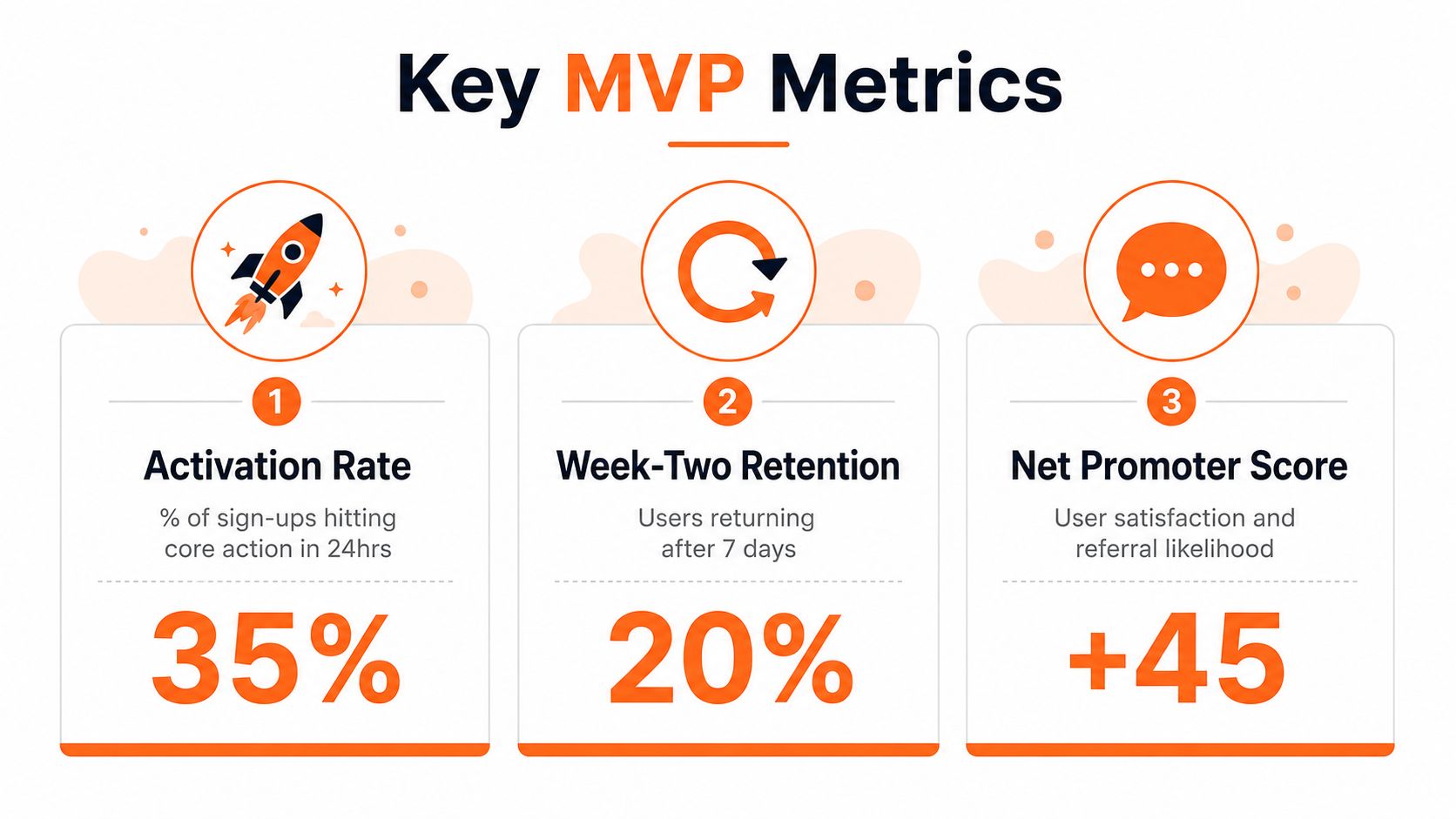
Activation rate measures the share of sign-ups who complete the core action within 24 hours. For an MVP, I'd aim toward 30 percent activation. Define the action before launch. For a task product, it may mean creating and assigning a task. For a commerce tool, it may mean publishing a product and receiving a first inquiry.
Week-two retention tells you whether users return after the first experience. For a B2C product, use 20 percent week-two retention as an early target, with the metric defined around a meaningful action rather than a passive login. Retention matters because users can praise an idea and still abandon it.
Willingness to pay needs a real transaction. Ask for a paid pilot, deposit, pre-order, or signed commitment. For B2B, aim for at least three paying customers before you treat the commercial model as credible.
Ignore numbers that don't change a decision
Downloads, social likes, impressions, and free-tier registrations can help you understand reach. They can't tell you whether customers need the product. A large audience with no return use gives you a distribution problem, a value problem, or both.
In week one, ignore:
- Raw traffic: It matters only when visitors take the intended action.
- Total downloads: A download doesn't prove activation.
- Likes and shares: Attention isn't payment.
- Feature requests without use: Watch what customers do after you build.
- Survey intent: A “yes” becomes useful only when the person acts.
Write one sentence for each metric: “If this number rises, I will…” If you can't finish the sentence, remove the metric from the dashboard.
Running the Build-Measure-Learn Loop Without Burning Out
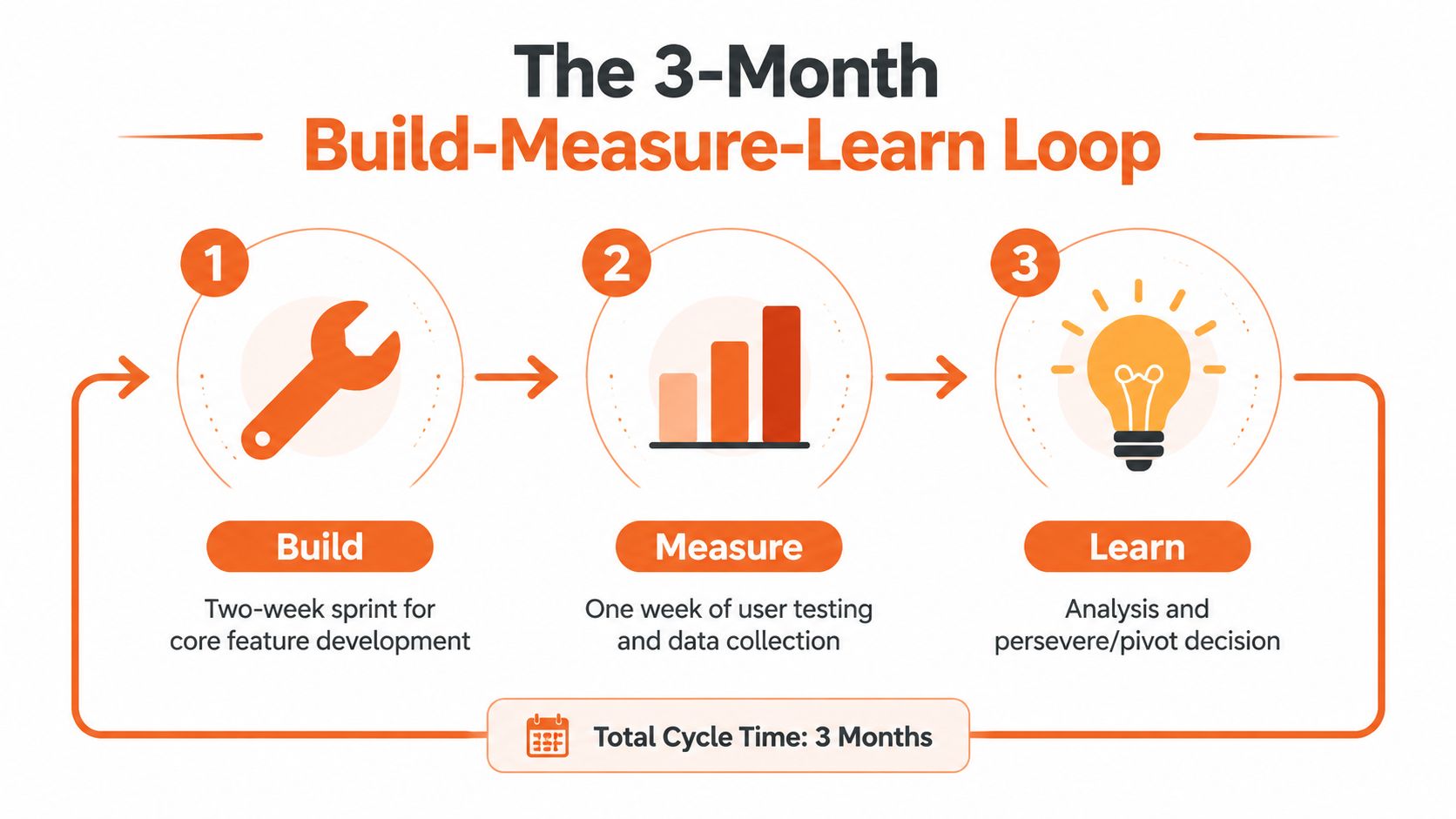
A three-month runway works better when you assign each cycle a fixed job. I'd use a two-week build, one week of structured user testing, and one week for analysis and changes. That rhythm gives you enough room to ship while preventing endless polishing.
During the first cycle, talk with users before the sprint, then build one focal version around the strongest repeated problem. Release it to a controlled group, watch the core action, and schedule interviews that focus on what users did. Don't ask whether they like the product. Ask what they tried, where they stopped, and what they did instead.
Decide with triggers, not mood
At the end of the testing week, write a short decision memo. Choose persevere, change the product, change the customer, or stop. Don't let a founder's attachment turn every weak result into “more marketing.”
Force a pivot when:
- Retention stays flat across two cohorts. Improve the problem choice or change the experience.
- Nobody will pay after repeated conversations. Recheck the buyer, pain, and pricing logic.
- Users describe a different problem. Follow the problem with stronger urgency.
- The core action remains unused. Fix the first experience before adding features.
Cap user calls at 10 per week so research doesn't consume the time you need to build and analyze. Keep a written learning log after every cycle. Record the assumption, test, observed behavior, decision, and next experiment.
Founder guardrail: Stop building features that your data hasn't requested.
The loop is a learning system, not a feature factory. If every cycle ends with a longer backlog and no sharper understanding of the customer, you're producing software faster than you're reducing risk.
Your 90-Day MVP Timeline and Starter Checklist
Use a 13-week schedule, but treat it as a sequence of decisions rather than a promise to keep building. Each phase needs a clear deliverable, owner, and exit condition. If a phase misses its evidence target, adjust the plan before spending more development time.
Weeks 1 through 4
Weeks 1 and 2: Turn the strongest problem hypothesis into a focused brief. Complete the planned customer conversations within a 7-day time box, then summarize recurring needs, buying context, and unresolved risks. By the end of week 2, decide which customer and problem will receive the remaining budget.
Weeks 3 and 4: Prepare the testable product specification. Define the single user outcome, the steps required to reach it, the manual work that can remain behind the scenes, and the evidence the next cycle must produce. Freeze the first release scope before development begins. Any requested feature without a direct learning purpose waits.
Weeks 5 through 10
Weeks 5 through 8: Build the smallest useful slice and keep custom code to under 6 weeks. Create a one-page architecture sketch covering the user flow, required data, integrations, and planned manual operations. Set up analytics, error reporting, support intake, and a simple release checklist before inviting users. Reserve time each week for fixing blocked user paths, not just adding functionality.
Weeks 9 and 10: Release a closed beta to 10 to 20 target users. Assign each participant a defined task, observe the first session, and route all support questions into one place. Schedule short review blocks after each release so fixes are prioritized by user impact. Keep the audience closed until the first-use path is understandable without founder intervention.
Weeks 11 through 13
Weeks 11 and 12: Review the metrics defined above against the release goal. Compare behavior by user and cohort, inspect the main failure point, and separate product defects from acquisition or onboarding problems. Hold one decision meeting instead of allowing requests to create an unplanned backlog.
Week 13: Make the hard pivot-or-persevere decision. Write the evidence, the assumption tested, the change required, and the work that stops. Continue only if the next sprint has a narrower target and a specific reason to exist. Otherwise, change the customer, product, or direction before committing another cycle.
Execution checklist
- Release brief: State the user, outcome, scope, owner, and exit condition.
- Architecture sketch: Show the flow and systems required for the current test.
- Instrumentation plan: Map each event to the metrics defined above.
- Beta operations: Set participant tasks, support ownership, release dates, and review times.
- Decision memo: Record evidence, the decision, stopped work, and the next test.
- Learning log: Update it after every cycle, not at the end of the quarter.
Protect the schedule from polish. The MVP process works when every sprint reduces a named risk and earns the next sprint.
Chicago Brandstarters gives founders a free, vetted community with private dinner groups and a founder group chat for sharing practical problems, experiments, and lessons from building. If you're testing an idea in Chicago or the Midwest, visit Chicago Brandstarters to find peer support while you validate demand and ship your first focused version.
Leave a Reply