I get it. You have a game-changing idea, but it’s a jumble of thoughts in your head. Maybe you've scribbled it on napkins or lost it in a dozen different notes. How do you turn that chaos into a clear, actionable plan? Think of a Business Model Canvas template as your idea's one-page blueprint. It's not a dusty 50-page business plan; it's a living, breathing map that shows you how all the moving parts connect to create a real, working business.
I’ve been there, staring at a blank page, wondering where to even begin. This isn't about abstract theory. I want to help you find the right tool to get your thoughts organized so you can start doing. I'm cutting through the noise to get you straight to the point.
I've rounded up the best, most practical Business Model Canvas template options out there—from the original at Strategyzer to versatile digital whiteboards like Miro and design tools like Canva. Each entry gives you screenshots, direct links, and a clear breakdown of who it's for, whether you're building an e-commerce store, a SaaS product, or a local service. My goal is simple: help you find the perfect fit and get moving on your big idea today. Let's build your map.
1. Strategyzer
When you want to learn something right, you go to the source. Strategyzer is the home of the original Business Model Canvas, created by Alex Osterwalder and Yves Pigneur. This is the place for the official, canonical template. Using it ensures you're applying the framework exactly as its inventors intended. I see it as the most authoritative starting point for anyone serious about business model innovation.
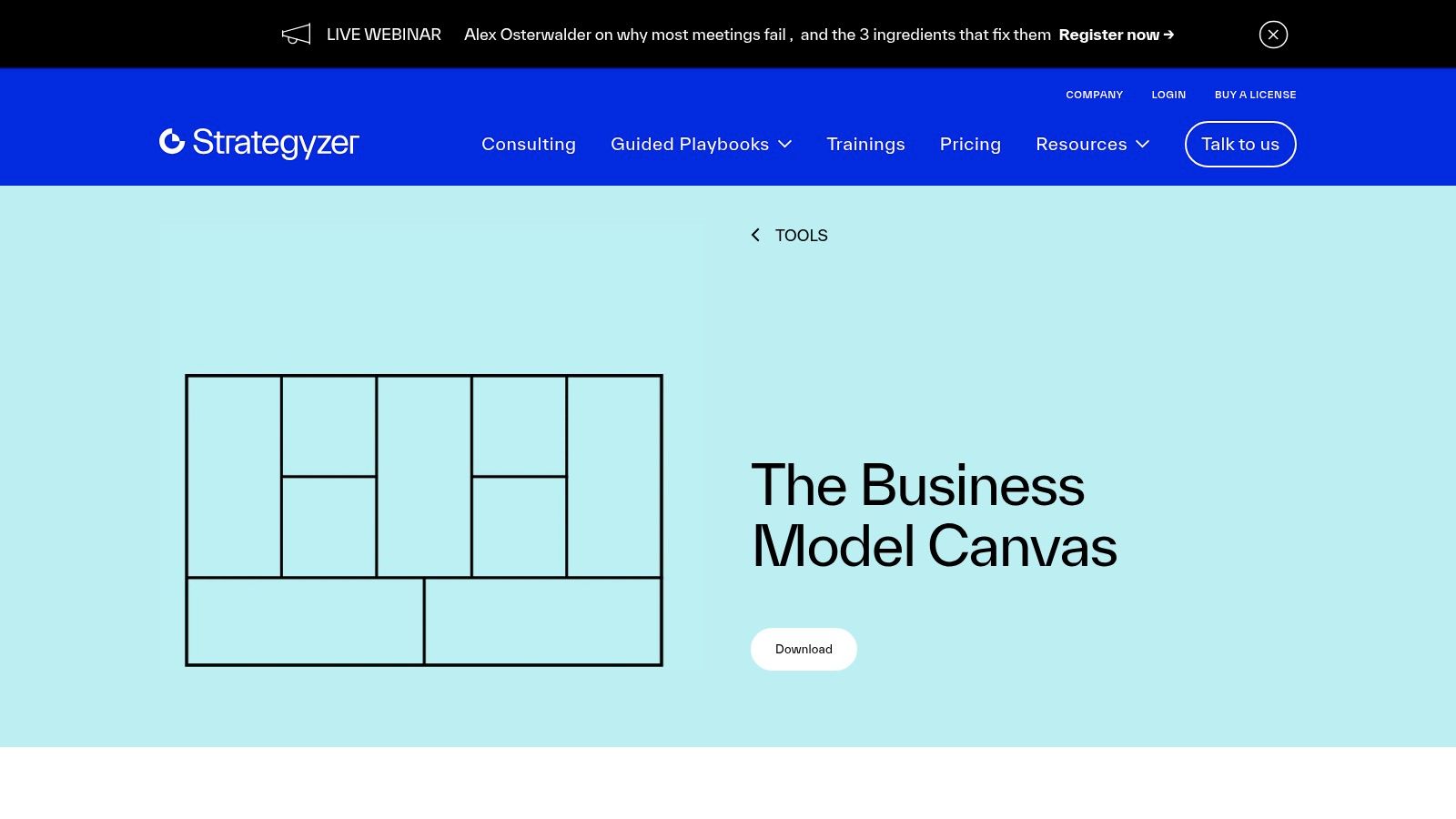
Beyond just the template, their website is a library of knowledge. You'll find detailed explanations for each block of the canvas, plus foundational videos and articles. While the basic business model canvas template is free to download, their master courses and software tools cost extra. The free resources give you a solid foundation, which is often all you need to start mapping out your venture. If you're looking for a deeper dive into structuring your new venture, you can explore how this tool fits into a comprehensive startup business plan template.
Key Features and Takeaways
- Best For: Entrepreneurs who want to learn the Business Model Canvas methodology from its creators.
- Pros: You get the most authentic and up-to-date version of the canvas for free. The accompanying resources are top-notch for understanding the core concepts.
- Cons: You have to pay for the platform’s advanced collaboration tools and in-depth training.
- Link: Strategyzer Official Canvas
2. Canva
If you need a visually polished business model canvas template without the headache of professional design software, Canva is your go-to. I think of it as a design studio packed into an easy-to-use web app. It's built for people like you and me who aren't designers, making it incredibly simple to create a clean, shareable canvas that you can even customize with your brand. It's perfect when you need to present your business model in a pitch deck or print it for a workshop.
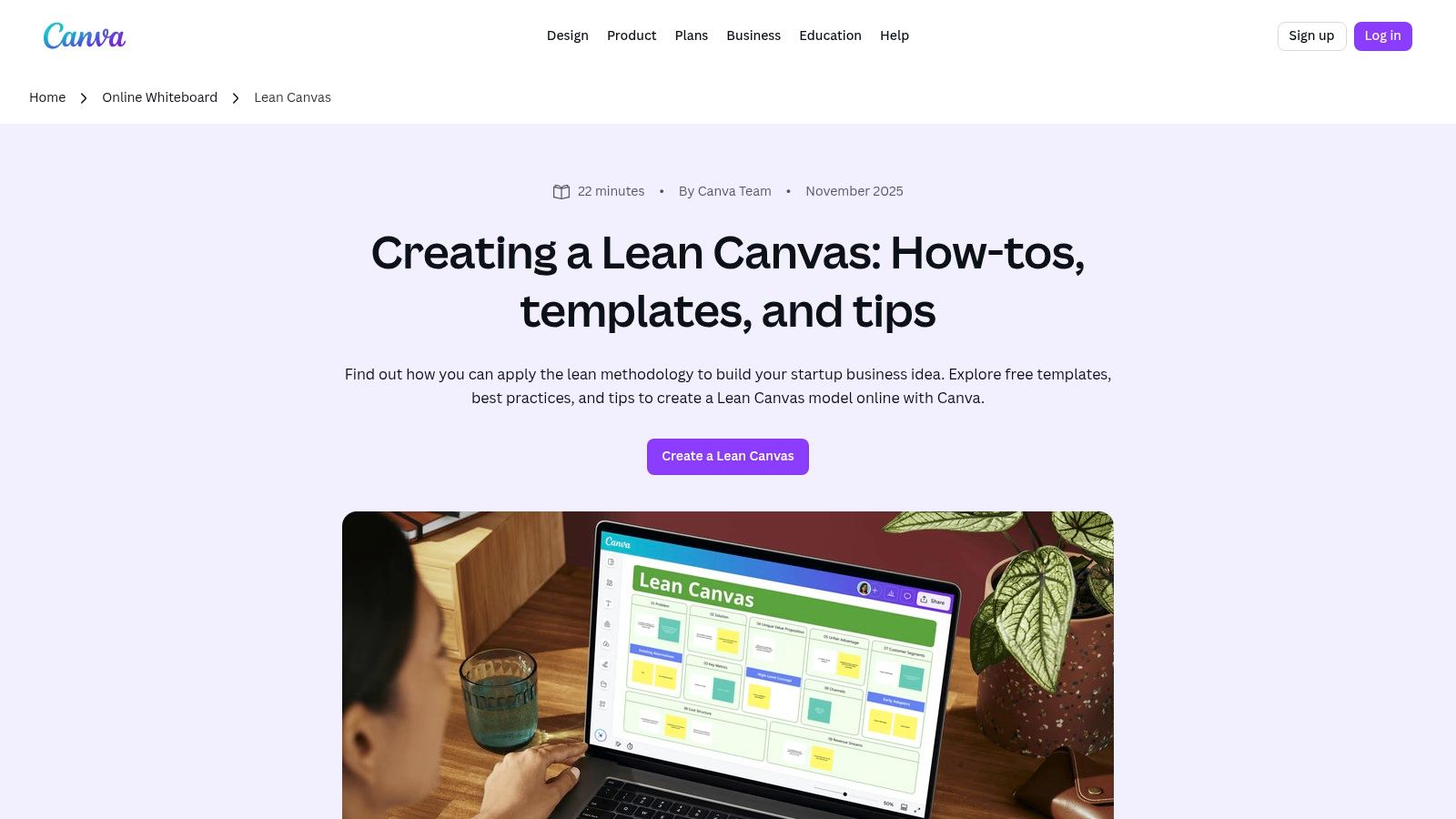
Canva's strength lies in its drag-and-drop editor and a huge library of ready-made layouts, including both Business Model and Lean Canvas variations. You can also use its Online Whiteboards feature for real-time team collaboration, letting you and your co-founders fill out the canvas together. While the core functionality is free, you'll need a Pro subscription to unlock premium templates and brand kits. For a quick, printable one-pager, the free version gives you everything you need.
Key Features and Takeaways
- Best For: Founders and teams who want to create a visually appealing, branded, and easily shareable canvas for presentations or print.
- Pros: Extremely intuitive, even if you have no design experience. You get great flexibility for customizing colors, fonts, and logos, and you can easily export to PDF or PNG.
- Cons: It’s less suited for dynamic, sticky-note brainstorming compared to dedicated whiteboarding tools. You have to pay for some premium design elements.
- Link: Canva Lean Canvas Templates
3. Miro
If you're working with a team, especially a remote one, Miro is your digital whiteboard paradise. It transforms filling out a business model canvas template from a solo task into a dynamic, real-time collaboration. Imagine your whole team using digital sticky notes, drawing connections, and leaving comments at the same time on one massive, shared canvas. Miro offers a variety of templates, including the classic Strategyzer version, right within its huge community library, the Miroverse.
The platform is designed for facilitation. I love that it gives you tools like timers to keep workshops on track and voting to make quick group decisions. While the free plan is generous enough to get you started, you'll need a paid subscription to unlock all the advanced features. This tool is especially powerful in the early stages, as it helps your team visually brainstorm and validate a business idea together before you commit significant resources. The interface is intuitive, but I'll admit mastering the facilitation tools might take a session or two.
Key Features and Takeaways
- Best For: Remote teams, workshop facilitators, and anyone needing a collaborative brainstorming environment.
- Pros: Top-tier real-time collaboration with features like live cursors and comments. You get access to a massive library of community-created templates beyond just the BMC.
- Cons: The most powerful facilitation features are behind a paywall, and I found there can be a slight learning curve for new users.
- Link: Miro Business Model Canvas Template
4. Mural
If your goal is collaborative creation, Mural turns the Business Model Canvas from a static document into a dynamic workshop. It's an online whiteboard built for facilitated sessions where you and your team can brainstorm in real time. The platform provides a pre-built business model canvas template with prompts and a structured flow. I find this ideal for guided sprints or team meetings where you need everyone to contribute simultaneously.
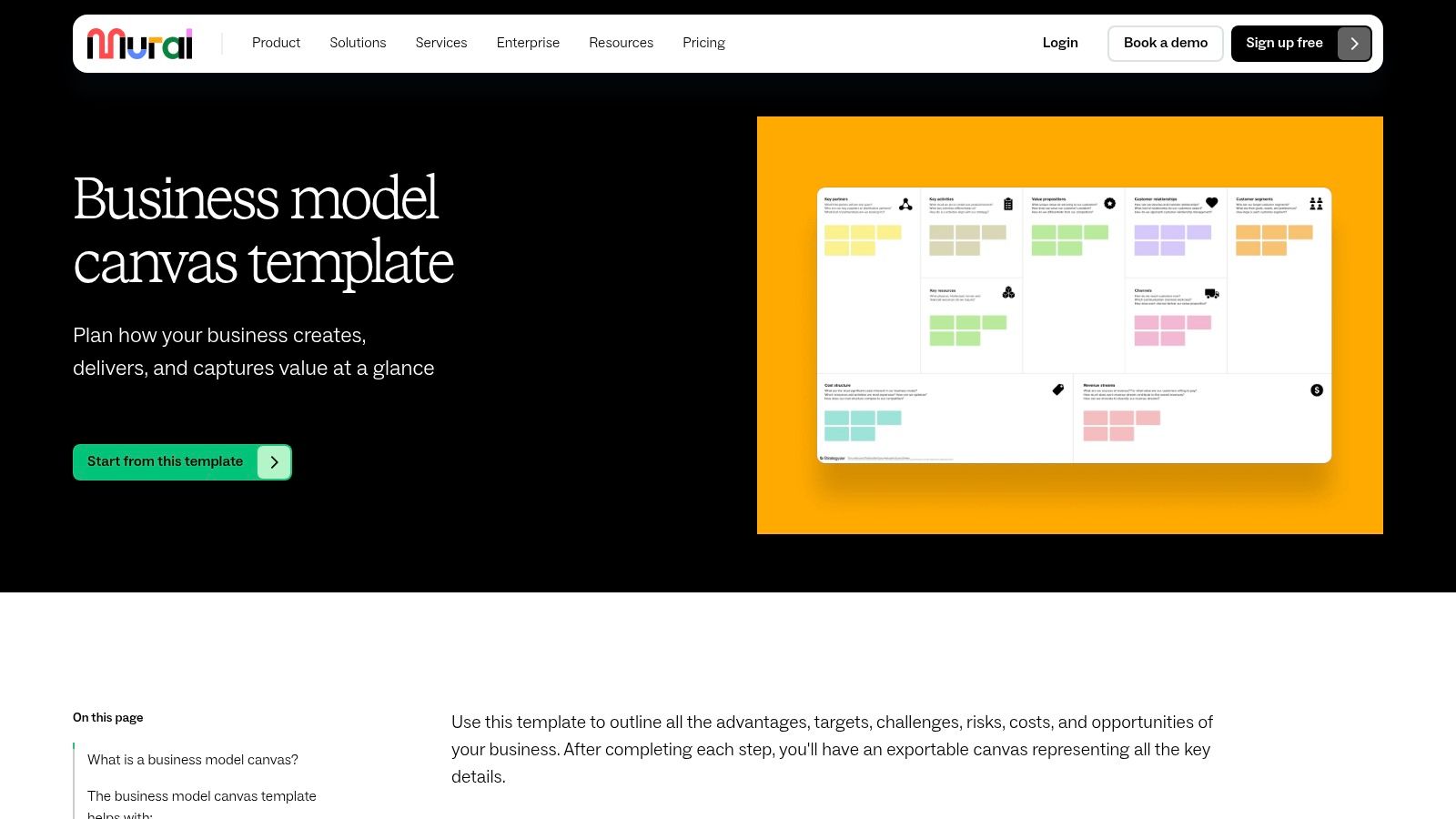
Mural excels at turning abstract ideas into a tangible, shared experience. You can use its facilitation tools like timers and voting to keep workshops focused and on track. While you'll need to create a free account to get started, the platform's user-friendly interface and clear instructions make it incredibly accessible for beginners. You can easily export your finished canvas as an image or PDF, which means you can drop it into presentations and business documents. I think it’s a powerful tool for both creation and communication.
Key Features and Takeaways
- Best For: Teams, facilitators, and educators who need a collaborative digital space for workshops and sprints.
- Pros: Excellent facilitation tools for guided sessions. The templates are clear and beginner-friendly, which helps promote active participation.
- Cons: You need an account to access it. Advanced security features and unlimited canvases are reserved for paid plans, and you can't work offline.
- Link: Mural Business Model Canvas Template
5. Figma / FigJam
For product and design-led teams, it just makes sense to bring your business model planning into the same ecosystem as your UX flows and UI designs. FigJam, Figma's collaborative whiteboard tool, offers an interactive business model canvas template that lives right next to your wireframes and prototypes. This proximity lets you seamlessly connect strategic business decisions with the actual user experience you're building. I love how it ensures your model and product are always in sync.
This integration is the platform's superpower. You can visually link canvas blocks directly to user journey maps, flow diagrams, and screen designs, creating a single source of truth for your entire team. Using FigJam's widgets, stamps, and sticky notes makes brainstorming dynamic and engaging. While it may not offer as many pre-built business strategy templates as dedicated tools like Miro, its strength is its deep connection to the design process. I see it as an invaluable tool for SaaS, app, and product-focused founders.
Key Features and Takeaways
- Best For: Product managers, UX designers, and founders who want to align their business model directly with product development work.
- Pros: Excellent integration with Figma design files, creating a unified workspace. Its free starter plan is generous for small teams.
- Cons: You'll have the best experience if you're already familiar with the Figma ecosystem. The template library is less extensive than competitors focused solely on whiteboarding.
- Link: Figma Community BMC Template
6. Lucid (Lucidchart / Lucidspark)
For teams already embedded in a more structured, diagram-heavy workflow, Lucid offers a powerful and familiar environment. Both of their platforms, Lucidchart for diagrams and Lucidspark for whiteboarding, house a business model canvas template. This makes it an ideal choice if your team already uses Lucid for other process flows or org charts, as it keeps all your strategic planning tools under one roof. I think it excels at integrating your canvas into a broader documentation ecosystem.
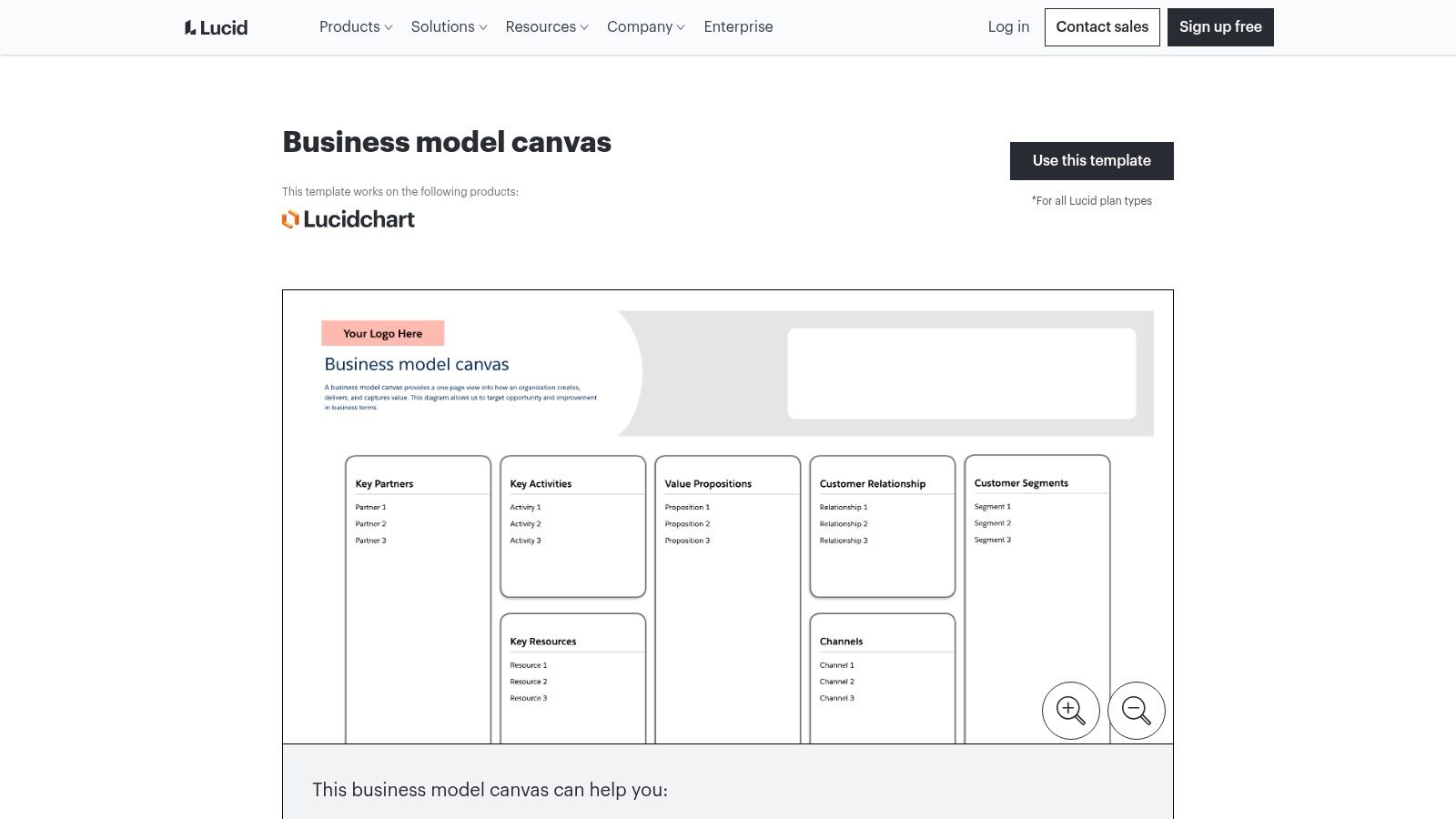
What sets Lucid apart are its enterprise-grade features. You get robust real-time collaboration with commenting, plus slick integrations with tools like Slack, Jira, and Google Workspace. This means you can seamlessly pull your canvas into the project management and communication tools you already use every day. While a free tier exists, you have to pay for many of the advanced collaboration and integration features. This positions it as a professional-grade solution rather than a simple, free-for-all whiteboard. To me, the interface leans more towards a structured diagramming tool than a free-form brainstorming space.
Key Features and Takeaways
- Best For: Established teams and businesses that use Lucid for other diagramming and want an integrated solution.
- Pros: Excellent collaboration features and deep integrations with other business software. You get strong sharing and export options for presentations and documentation.
- Cons: You'll have to pay for the most powerful features. The user interface can feel more rigid and less like a creative whiteboard tool.
- Link: Lucid Business Model Canvas Templates
7. Smartsheet
If you’re looking for sheer versatility, Smartsheet offers a comprehensive collection of downloadable files that fit right into your existing workflow. Instead of locking you into a new platform, they give you a curated pack of business model canvas templates in nearly every format you could want: Google Docs, Sheets, Slides, Microsoft Word, Excel, PowerPoint, and PDF. This makes it incredibly easy for you to grab a template and start working without any learning curve.
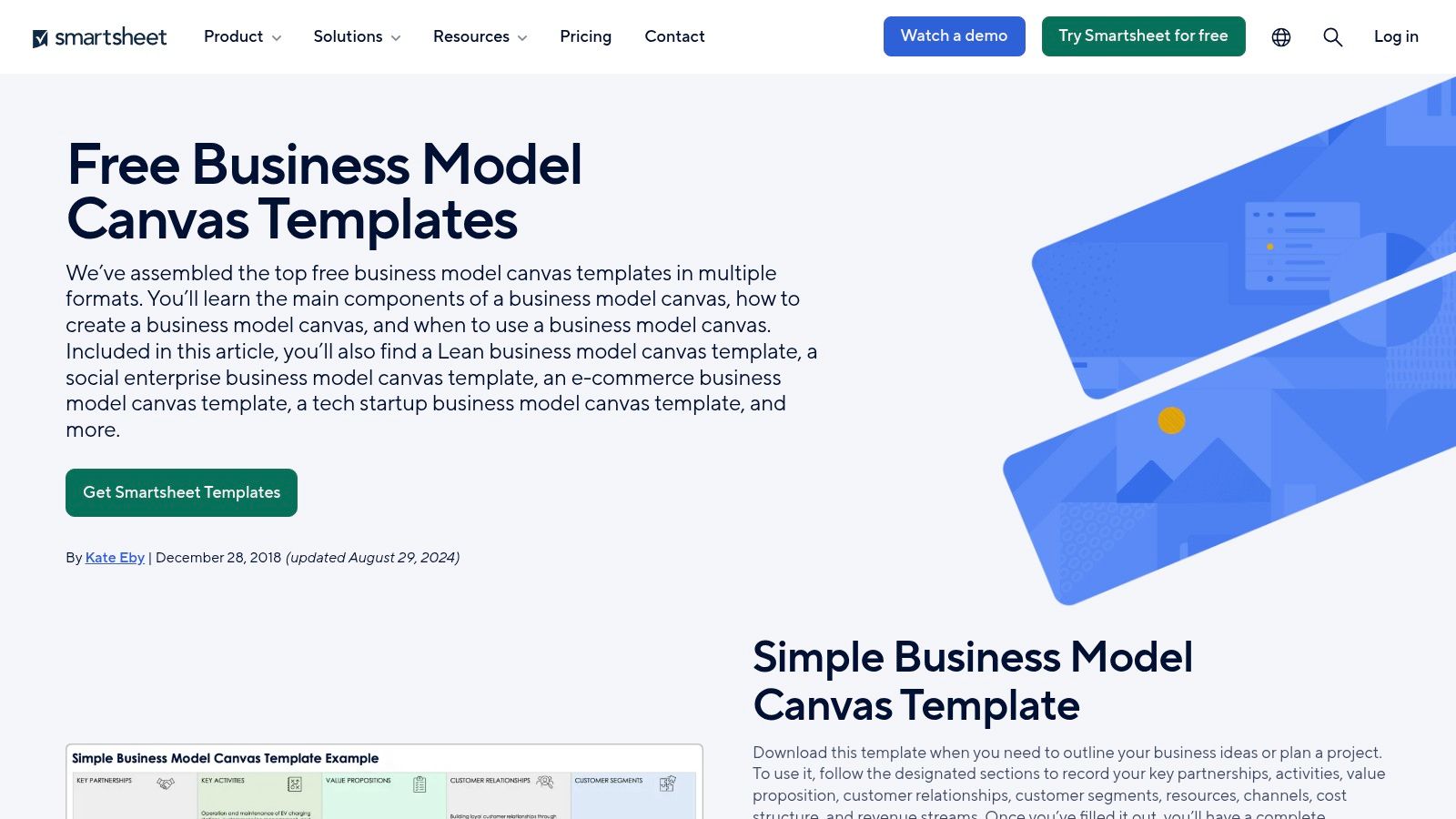
What makes Smartsheet stand out is its library of specialized variations. You’ll find canvases tailored for tech startups, e-commerce ventures, and even social enterprises, each with prompts relevant to that specific field. While the files are free, be aware that you'll see calls-to-action to try Smartsheet's own software. However, you can easily bypass these and use the static templates on their own. I find them perfect for printing out for a team workshop or for quick offline brainstorming.
Key Features and Takeaways
- Best For: Individuals or teams who want a simple, downloadable template in a familiar format like Word, Excel, or Google Docs.
- Pros: Truly cross-tool templates that don't require you to sign up for a new service. Great for printing or working offline.
- Cons: These are static files. They lack the built-in live collaboration features of web-based tools unless you're already a Smartsheet user.
- Link: Smartsheet Business Model Canvas Templates
8. SlideModel
If you need to present your business model in a polished, professional format, SlideModel is your go-to resource. It's less of a workshop tool and more of a presentation asset. It gives you beautifully designed business model canvas template downloads for PowerPoint and Google Slides. I find this perfect for when you need to drop a clear, concise one-pager into an investor deck or an internal strategy meeting without wrestling with design software.
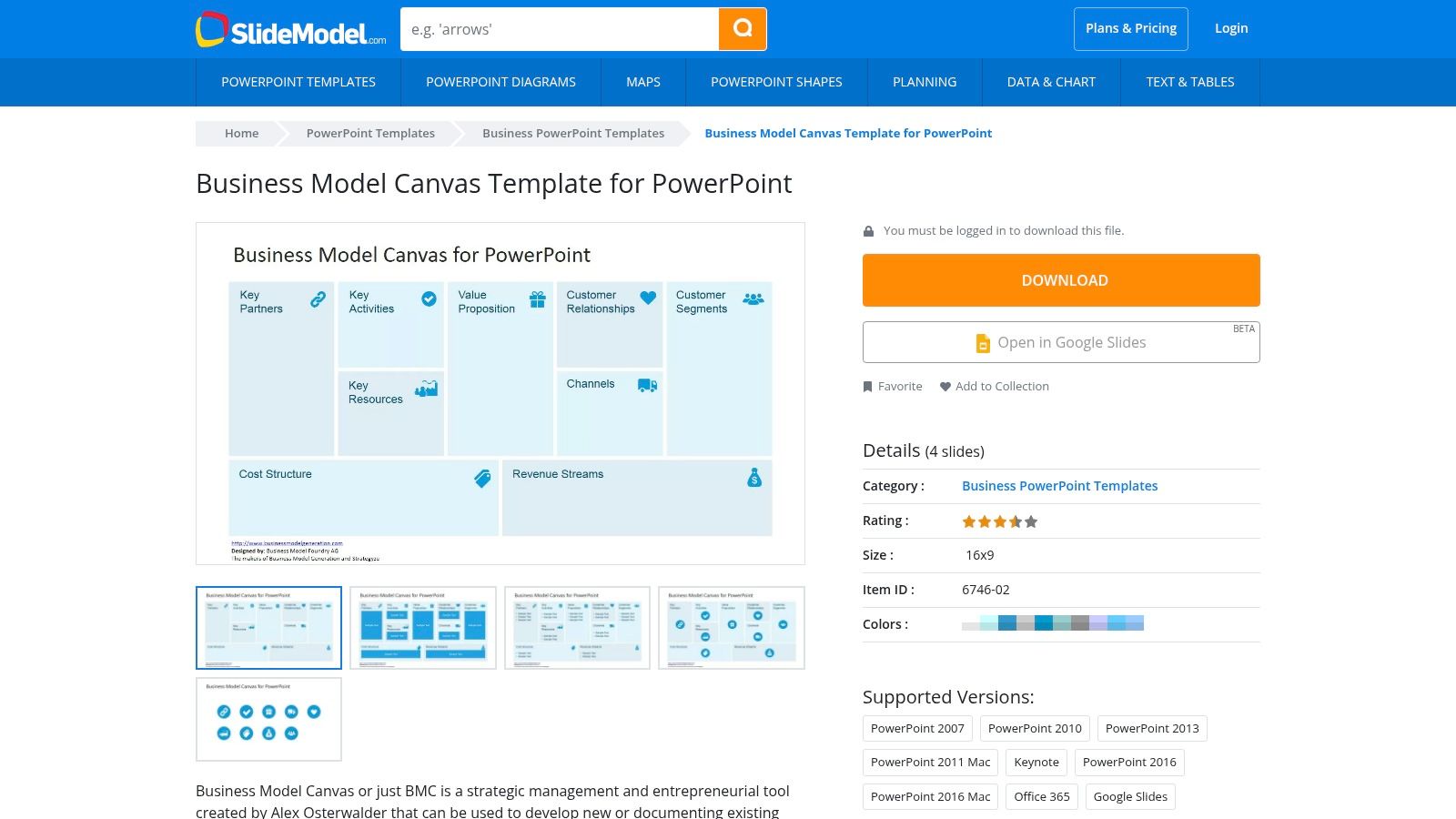
The platform provides several visual styles, including sleek 3D variants, that are fully editable right within your presentation software. You can change colors, text, and icons to match your company's branding effortlessly. While SlideModel offers a free business model canvas template, accessing their extensive library of premium slide designs requires a subscription. I think of it as the final step: after you've used a whiteboard tool to brainstorm, you use SlideModel to create the final, presentation-ready version that makes your model look as good as it sounds.
Key Features and Takeaways
- Best For: Founders and managers who need a high-quality, presentation-ready canvas for decks and reports.
- Pros: Professionally designed templates that look great out of the box. You can easily edit them in PowerPoint and Google Slides.
- Cons: Not a collaborative, real-time tool for brainstorming. You need a paid subscription for the best templates and full library access.
- Link: SlideModel Business Model Canvas Templates
9. Shopify
For aspiring e-commerce entrepreneurs, Shopify offers a streamlined and highly relevant starting point. Their business model canvas template is designed with you, the online store owner, in mind. It gives you a no-fuss, direct download without any required sign-ups. I like how it gets you straight to the action of mapping out your e-commerce venture, stripping away complexity to focus on what matters for a digital-first business.
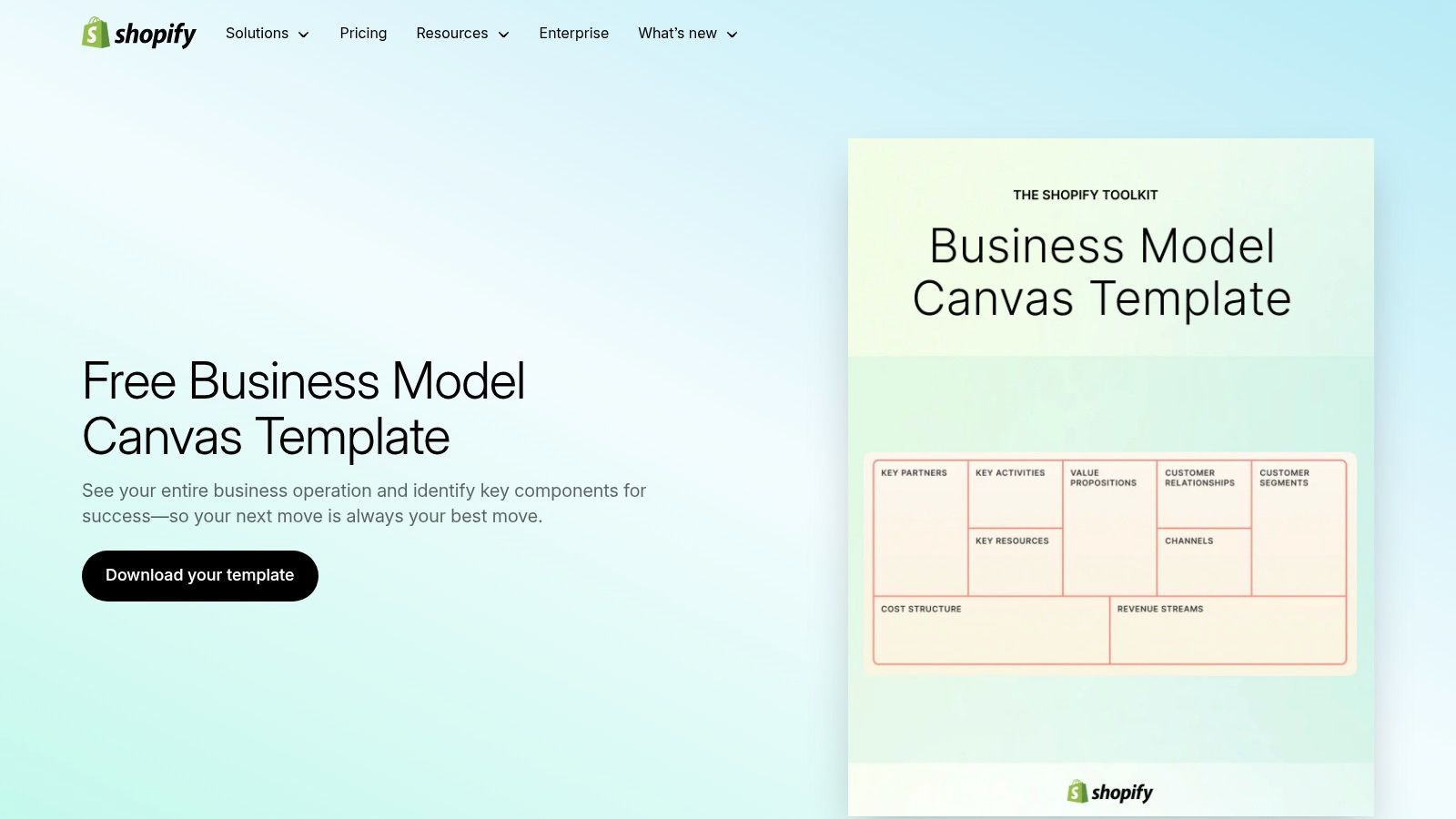
What makes Shopify's offering unique is how it connects to the entire e-commerce journey. The accompanying guidance naturally ties into the practical steps of setting up an online store, from defining your customer segments to setting your revenue streams. This approach makes the canvas less of a theoretical exercise and more of a practical first step in your launch plan. As you consider your revenue, it's crucial that you understand how to price a new product to ensure you're profitable from day one.
Key Features and Takeaways
- Best For: New e-commerce founders who want a simple, actionable tool that connects directly to their business launch plan.
- Pros: It’s a fast, no-friction resource perfectly suited for online retail use cases. The template is clean and easy to use.
- Cons: The guidance is basic compared to more methodology-focused platforms, and you get minimal template variations.
- Link: Shopify Business Model Canvas Template
10. Asana
For teams who live and breathe project management, bringing your strategy into your workflow is key. Asana offers a unique business model canvas template that isn't just a static document; it’s a living project. I find this approach perfect for converting your strategic hypotheses into actionable tasks, complete with owners, deadlines, and dependencies, right where you manage your day-to-day work.
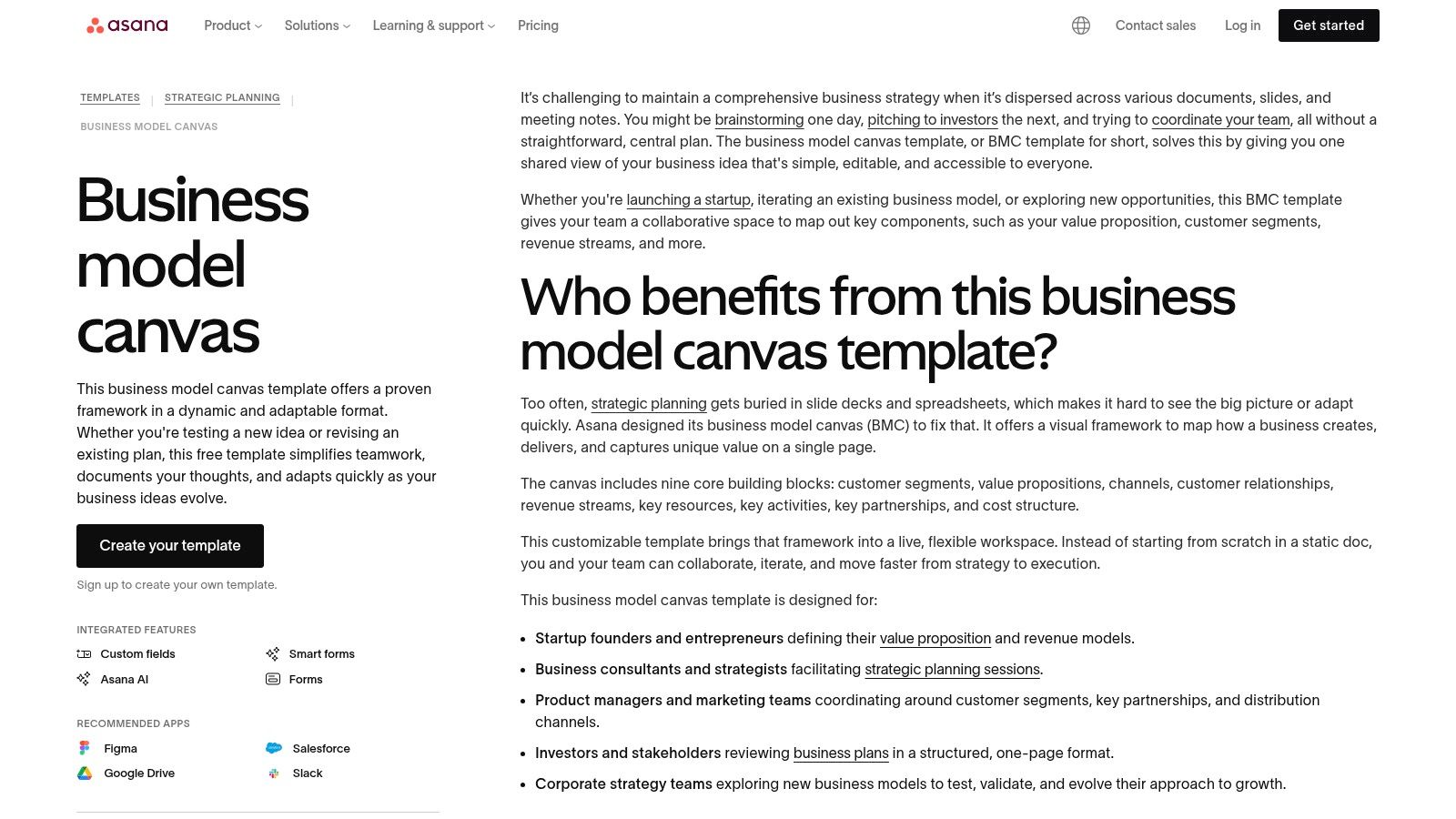
This template bridges the often-wide gap between high-level planning and on-the-ground execution. Each block of the canvas becomes a section in an Asana project, and you can turn each idea within a block into a task. You can attach research files, hold conversations in the comments, and track progress, transforming your canvas from a brainstorming artifact into a dynamic roadmap. It’s a practical way for you to ensure your strategic planning doesn’t just end up on a whiteboard.
Key Features and Takeaways
- Best For: Teams already using Asana who want to integrate their strategic planning directly into their project management workflows.
- Pros: Seamlessly converts strategy into trackable tasks with owners and due dates. The template is free for you to use with any Asana account.
- Cons: It lacks the visual, free-form nature of a traditional canvas, which can stifle initial brainstorming. It’s less useful if your team isn't committed to the Asana ecosystem.
- Link: Asana Business Model Canvas Template
11. Notion
If you already live inside Notion, it just makes sense to keep your business model planning there. Notion offers a highly flexible, database-driven approach to the Business Model Canvas. It allows you to integrate it directly into your existing startup wiki or project hub. Instead of a static PDF, your canvas becomes a living document, right alongside your market research, user personas, and financial projections.
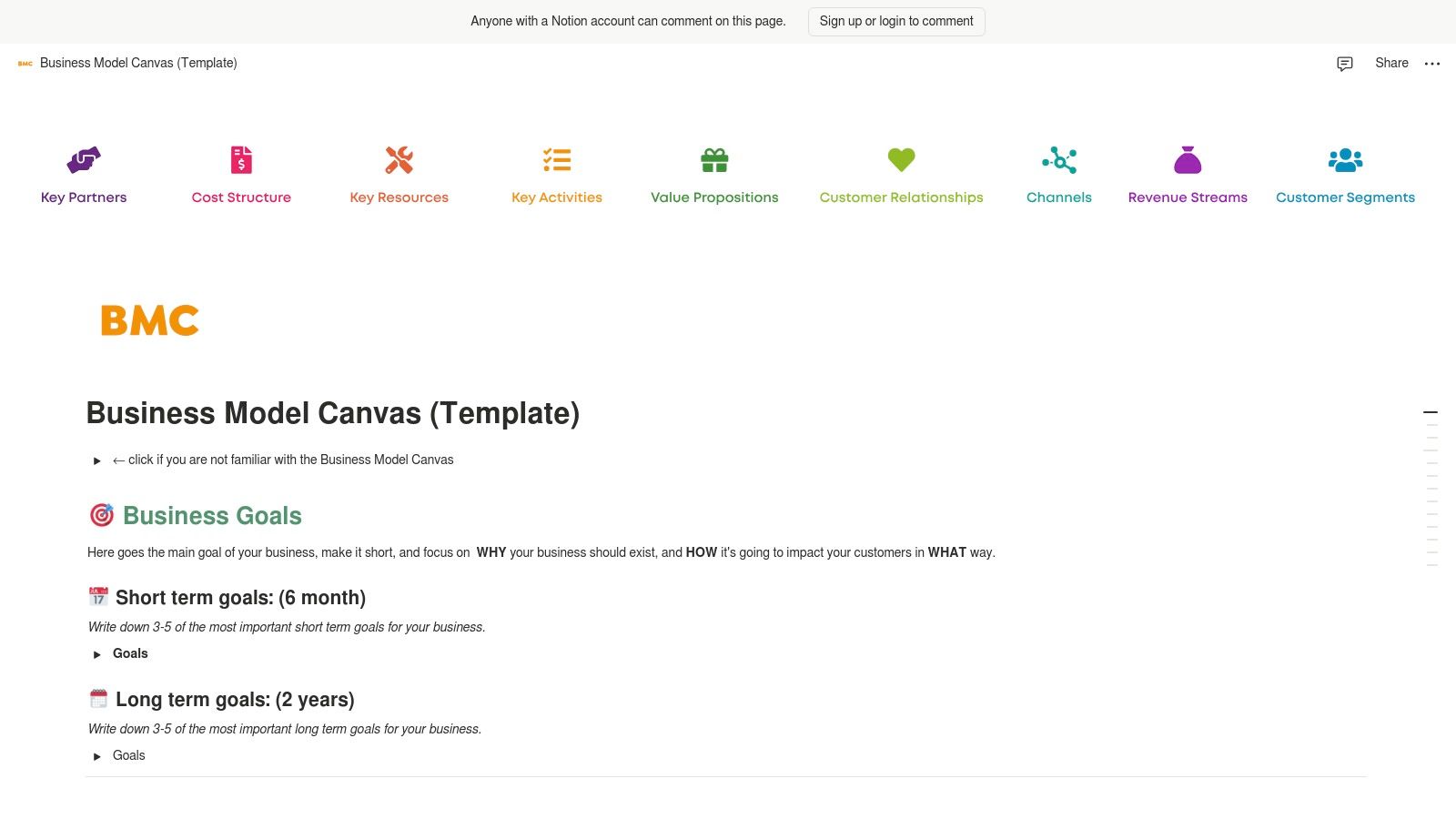
The real power here is context. You can link any canvas block directly to a database of customer interviews, a competitive analysis page, or a list of your core assumptions. I've found that community-shared templates are easy to find and duplicate into your workspace for free. This transforms your business model canvas template from a simple poster into an interconnected dashboard for your entire venture. It's ideal for founders like me who value organization and want all their critical information in one unified space.
Key Features and Takeaways
- Best For: Founders and teams who already use Notion as their central workspace or "second brain."
- Pros: Integrates seamlessly with your other research, notes, and project plans. Free to duplicate and highly customizable within the Notion ecosystem.
- Cons: The visual layout feels less like a traditional canvas and more like a structured document. It lacks the real-time, free-form collaboration of dedicated digital whiteboards.
- Link: Notion Community Canvas Template
12. Etsy
For those who want a business model canvas template with more personality and visual flair, Etsy is an unexpected but valuable resource. Instead of standard corporate designs, you'll find a marketplace full of creative, low-cost templates crafted by independent designers. Many of these are instantly downloadable and editable in popular tools like Canva, making it simple for you to customize colors, fonts, and layouts to match your brand's aesthetic. I think this is perfect if you plan to print out a large poster for a team workshop or include a stylized canvas in a presentation deck.
The platform offers a huge array of designs, from minimalist to colorful, often bundled with other useful frameworks like the Lean Canvas or Value Proposition Canvas. Because you're buying from individual sellers, the quality and format can vary, so I'd advise you to check reviews and preview images before purchasing. While these templates aren't integrated into collaborative software, they offer an affordable and visually appealing alternative for mapping out your business model.
Key Features and Takeaways
- Best For: Entrepreneurs and teams who need a printable, aesthetically pleasing canvas for workshops, presentations, or office walls.
- Pros: Highly affordable, with most templates priced under $15. You get a wide variety of unique designs and bundles, many of which are easily editable in Canva.
- Cons: Quality and file types vary by seller, so you need to vet each listing. These are static files, not integrated with any collaborative or project management software.
- Link: Etsy Business Model Canvas Marketplace
Business Model Canvas: 12-Tool Comparison
| Tool | Core features | Collaboration & UX | Unique edge | Price / Value | Best for |
|---|---|---|---|---|---|
| Strategyzer | Official BMC template + courses ✨ ★★★★★ | Template download; guidance-focused; limited built-in collab | Originators' fidelity & methodology 🏆 | 💰 Free template; paid courses | 👥 Founders seeking canonical framework |
| Canva | Drag‑and‑drop editor; whiteboards; export to PDF/PNG ✨ ★★★★☆ | Very easy; co-edit whiteboards; printable outputs | Brand‑customizable, design-first canvases ✨ | 💰 Freemium (Pro for brand features) | 👥 Non‑designers & marketing founders |
| Miro | Multiple BMC templates; sticky‑note tools ★★★★★ | Live multi‑user editing, comments, timers, voting | Best-in-class remote workshop facilitation 🏆✨ | 💰 Freemium; paid for advanced team features | 👥 Remote teams & facilitators |
| Mural | Pre‑framed canvases + workshop flows ★★★★ | Guided session tools (timer, voting, private mode) | Structured facilitation for sprints ✨ | 💰 Free trial; paid plans for teams | 👥 Workshop leaders & consultants |
| Figma / FigJam | FigJam BMC boards; widgets & stamps ★★★★ | Real‑time FigJam collaboration; smooth hand‑off to Figma | Tight UX/product design integration ✨ | 💰 Free starter; paid for org features | 👥 Product & UX teams |
| Lucid (Chart/Spark) | BMC templates across Lucid tools ★★★★ | Real‑time collab, comments, enterprise integrations | Enterprise admin controls & integrations 🏆 | 💰 Paid tiers; limited free plan | 👥 Enterprise/product ops teams |
| Smartsheet | Multi‑format BMC downloads; specialized versions ★★★☆ | Static files by default; or use Smartsheet for collab | Truly cross‑tool (Docs/Sheets/PPT/Excel) ✨ | 💰 Free templates; Smartsheet paid | 👥 Offline/print & cross‑tool users |
| SlideModel | Polished PPT/Slides BMC designs ★★★☆ | Not a live whiteboard; slide‑first sharing | Executive‑ready visuals for decks 🏆 | 💰 Free sample; subscription for full library | 👥 Presenters & investor decks |
| Shopify | E‑commerce focused BMC + how‑to ★★★☆ | Simple downloads; basic guidance | Pairs directly with store launch steps ✨ | 💰 Free resource | 👥 New e‑commerce founders |
| Asana | BMC as Asana project (tasks, owners) ★★★★ | Task tracking, owners, attachments; workflow bridge | Converts canvas into execution & accountability ✨ | 💰 Free to start; premium tiers | 👥 Teams linking strategy → execution |
| Notion | Duplicateable BMC page with databases ★★★★ | Doc‑style collaboration; inline notes & links | Keeps canvas, research, and docs together ✨ | 💰 Free/paid plans | 👥 Founders using Notion as workspace |
| Etsy | Low‑cost downloadable BMC files (Canva‑editable) ★★★ | Variety of printable/stylized templates | Affordable, classroom‑ready designs 💰✨ | 💰 Low per‑item cost (often <$15) | 👥 Workshop leaders & DIY designers |
Your Canvas Is a Compass, Not a Map
You've explored the tools, seen the examples, and maybe even started sketching out your own venture. I've walked you through everything from collaborative powerhouses like Miro to design-centric platforms like Figma, and even specialized templates from Shopify and Etsy. You now have a comprehensive toolkit of business model canvas template resources at your fingertips.
But let’s be real. If you’ve filled out every box on your canvas, your work isn’t done. It has just begun. The biggest mistake I see founders make is treating their Business Model Canvas like a stone tablet—a perfect, unchanging plan. It's not.
Think of your canvas as a compass, not a map. A map shows you a fixed path from point A to point B. A compass just points you North. It gives you a direction, but you still have to navigate the actual terrain in front of you—the unexpected valleys, the uncrossable rivers, and the surprise mountains. Your canvas gives you your initial direction, but I believe customer feedback is the terrain.
The Real Job: Invalidate Your Assumptions
Your goal now is to break your own model. Each sticky note in your "Customer Segments," "Value Propositions," and "Revenue Streams" boxes is just a hypothesis. It’s a guess. Your real job is to get out there and systematically test these guesses with real people.
- For SaaS Founders: Does your "Key Activities" block accurately reflect the brutal reality of coding, debugging, and customer support? Are users actually willing to pay for the features you listed under "Value Propositions"?
- For E-commerce Brands: Did your "Channels" assumption hold up? Maybe you thought Instagram would be your golden ticket, but your first 10 customers actually came from a local market. That changes everything.
- For Local Service Businesses: Is your "Cost Structure" realistic? Did you account for the rising price of gas, insurance, and the time it takes you to travel between clients?
Each conversation, each sale, and each piece of feedback gives you an opportunity to update your canvas. The version you have today should look drastically different in three months. If it doesn’t, you're probably not listening hard enough to the market. This is the iterative loop of building: you draft, you test, you learn, you repeat.
Choosing the right business model canvas template and tool is the easy part. The hard part is embracing the uncertainty and being willing to be wrong. The most successful founders I know are the ones who fall in love with the problem they are solving, not the first solution they put on a sticky note. So, take your beautifully crafted canvas, thank it for getting you this far, and then go prove one of its assumptions wrong. That’s where the real magic happens for you.
The journey from a canvas to a real, thriving business can be lonely, especially when you’re challenging your own ideas daily. You don’t have to do it alone. If you're a kind, hardworking builder in or around Chicago, check out Chicago Brandstarters; we're a community dedicated to helping each other navigate these exact challenges with honesty and support.
Leave a Reply